Dumping The Undumpable
Table of contents:
Intro
This will be a slightly different post, more of a self-log of what I’ve done.
A week or so ago I received a long awaited purchase of mine - an old-ass Alpine car stereo with a flipout display (basically the best swag you could get 20 years ago), and with it another thing was included - a HDD navigation unit NVA-HD55. After connecting everything together to test on my table, everything of course worked perfectly (like majority of used electronics from Japan - many people there really take proper care of things). Take a look yourself:
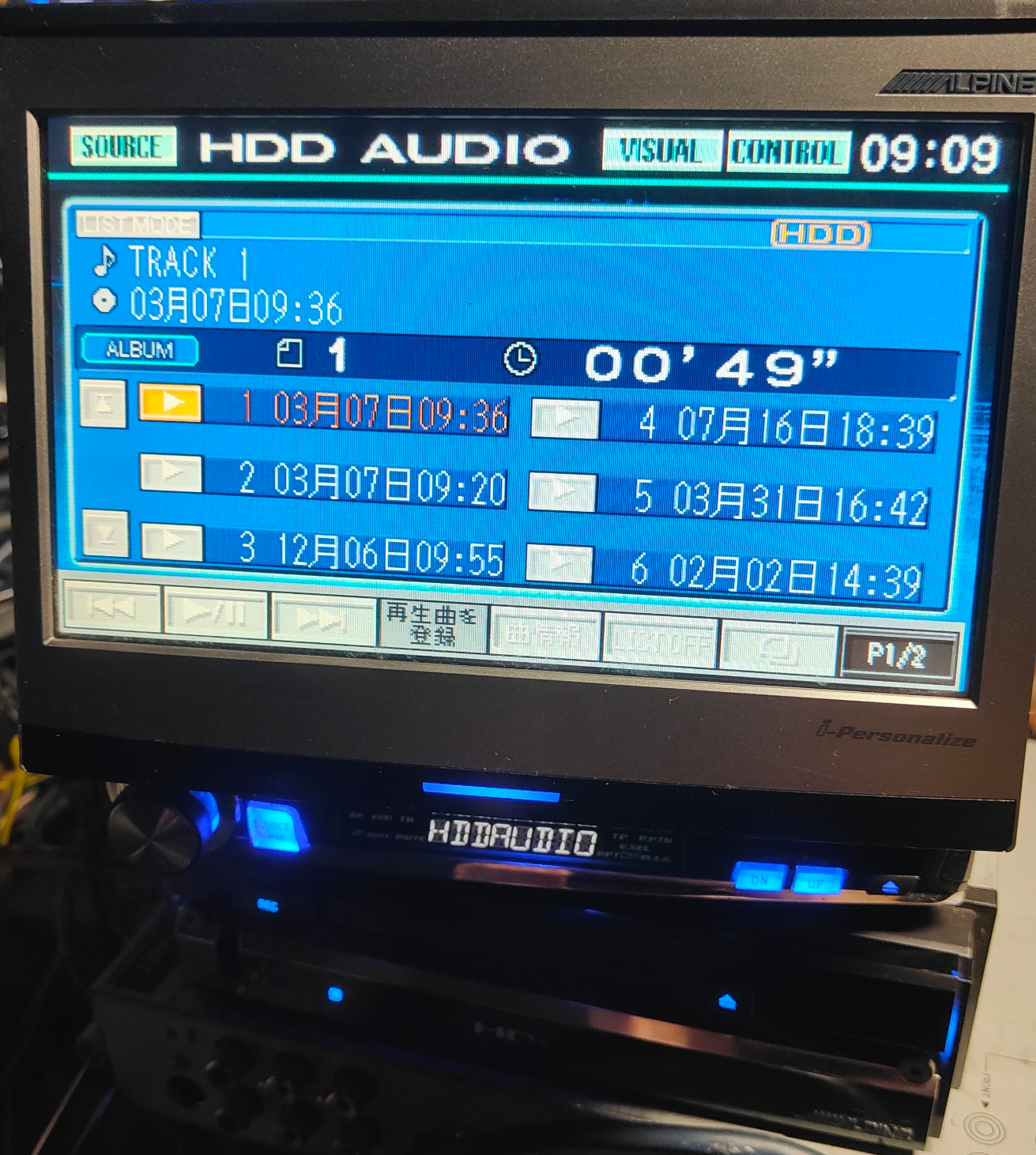
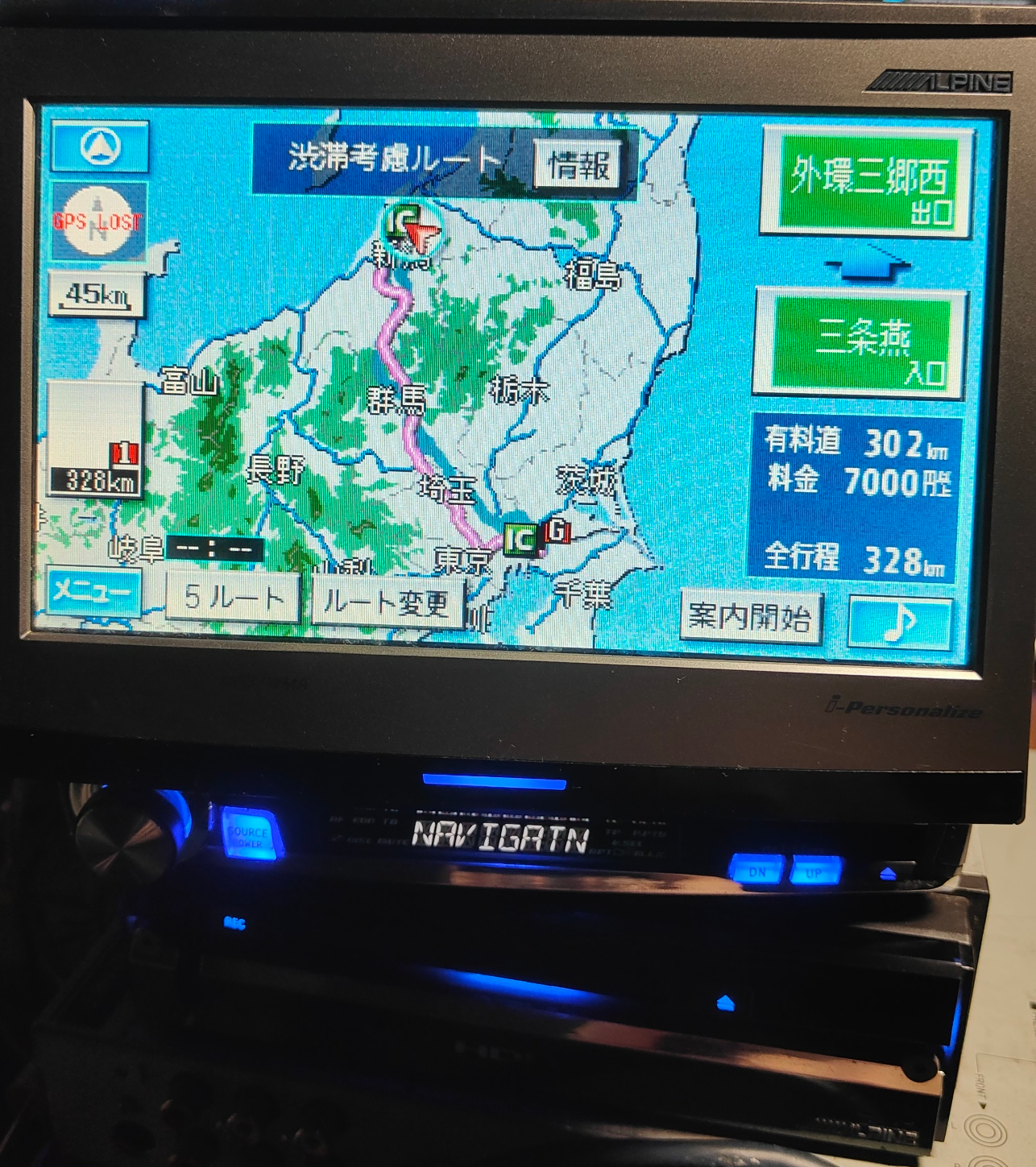
See how it has music on it? This is what spiked my curiosity in dumping the HDD contents and digging into it’s files. Of course, this wasn’t so easy.
Main problem
Taking the HDD out of this unit is actually easy - all you have to do is remove two front hex screws, take off lower half of the faceplate, unscrew 2 phillips screws holding the HDD caddy in it’s place and that’s it! The HDD is out. In fact, even the operation manual of this unit shows how you can do this, when upgrading a hard drive (what I also want to investigate sometime - maybe it is able to lock unlocked hard drives to itself without service intervention?).
In my case it was a standard 30GB 2.5 inch Toshiba IDE hard drive. I connected it to my PC with an old USB2IDE dongle to dump it’s contents, but all I got was I/O errors?
Oh no. This could mean two things. Either a lot of bad sectors, or ATA lock. I actually prayed for it to just be bad sectors, as I could still reconstruct the data from a successful dump. Unfortunately it was the latter. So what to do here? This is not an original Xbox, where you could easily dump the HDD key with a software solution after all. So I reassembled this unit, and paid no mind to it for more than a week.
Success
More than one week has passed since then now, I successfully installed the main head unit in my car (it was an EXTREMELY hard task, as my car has basically no unused space behind the radio slot, or behind the glovebox, and even now part of the amplifier box is out in the cabin), and now, during Christmas, I decided to read online about ATA locks on different vendor hard drives (I know that you can permanently unlock hard drives with some tools, but I wanted to do a temporary unlock to keep this device working).
Anyhow, 15 minutes in I stumbled across a forum thread, where a bunch of possible HDD master keys were listed - among them for Toshibas as well - 32 space characters. Well, let’s test that out shall we? I launched Fatxplorer (really useful tool for Xbox stuff so it also has HDD locking section), and typed in those 32 spaces, pressed unlock and…. nothing? For some reason, it failed. Then I messed around more in that HDD locking section, and there it was - an option for master password called (All Spaces). Pressing unlock again and… it worked!!!! Hard drive got temporarily unlocked!
Dumping procedure went flawlessly, and after power cycling the hard drive, it’s lock status stayed. Both goals achieved successfully.
Now, what’s in that HDD you may ask? First I expected it to have some linux type partitions (as it seems to be using some RISC-based custom CPU), but it ended up being much better - 6 partitions with either FAT32 or FAT16. Perfect for me, as I use a Windows machine.
Datamining them didn’t show very interesting results, however, I was able to find the stored music files - and there’s a bunch of them. What surprised me is that they are stored in measly 128kbps MP3 files, and not something more exotic like atrac (which I thought would be the case as this unit also has an MD deck and Memory Stick slot). All in all, I call this operation a success. Hard drive image will eventually be uploaded to archive.org, as I believe someone as weird as I am might also want to investigate this unit, and maybe even figure out how to swap the hard drives.